Quando comecei com IPTV, pensei que qualquer TV servia. Pá, estava completamente enganado. A minha Samsung Smart TV de 2018 não conseguia correr o TiviMate sem crashar a cada 10 minutos. E a box Android barata que comprei no OLX por €25 fazia mais buffering que streaming. Gastei €25 para ficar com raiva.
Dois anos e cinco dispositivos depois, sei exactamente o que funciona e o que é deitar dinheiro ao lixo. Este é o guia que gostava de ter lido antes de começar.
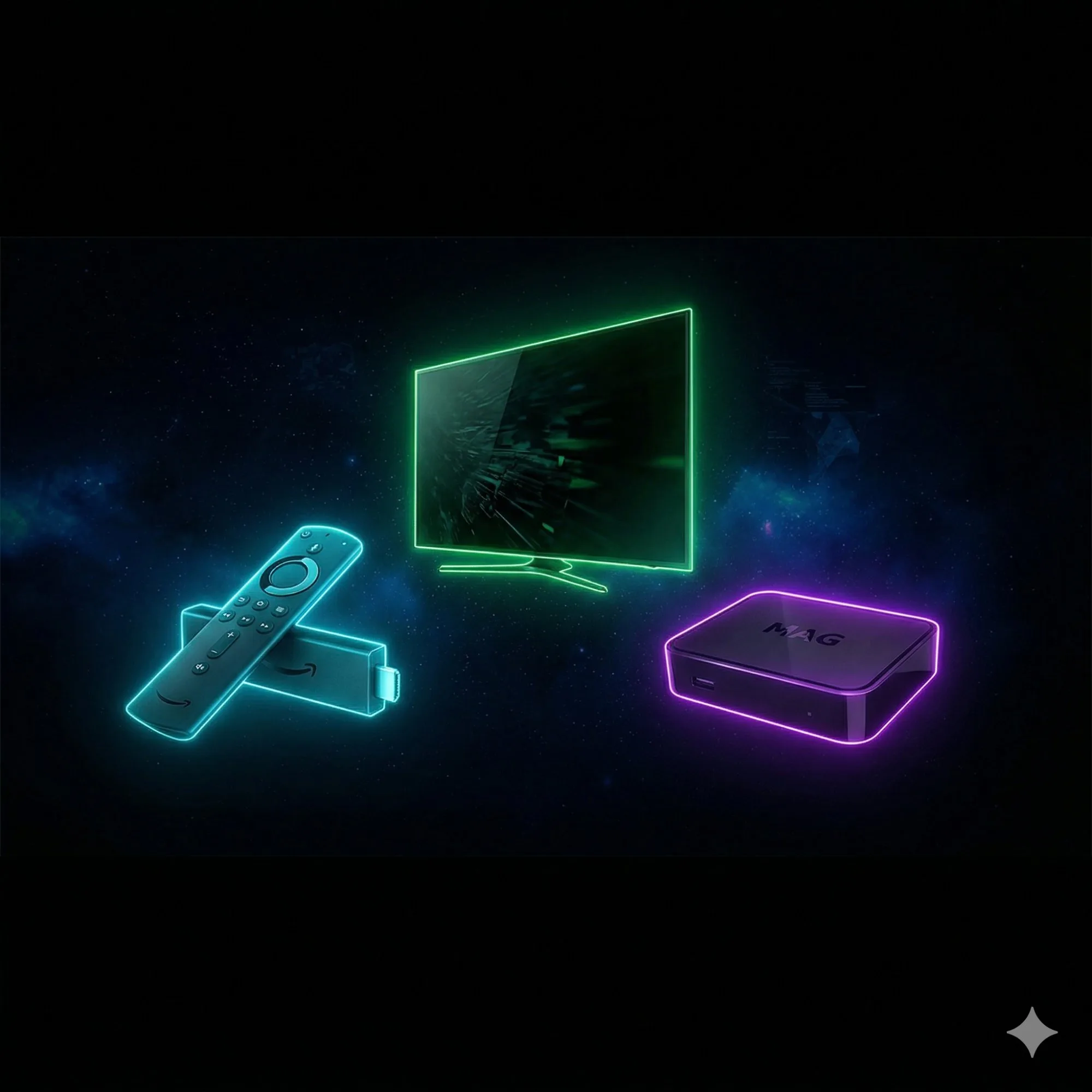
Amazon Firestick 4K Max — A Escolha Segura
A Firestick 4K Max é, para mim, a melhor opção para 90% dos portugueses. Custa ~€55 na Amazon.es, suporta WiFi 6, tem processador rápido, e todas as apps IPTV funcionam na perfeição. O Smarters Pro e TiviMate correm como manteiga. A instalação demora 5 minutos com o nosso guia de configuração.
- Preço: ~€55
- Resolução: 4K Ultra HD, HDR10+
- RAM: 2GB
- Veredicto: A escolha segura para Portugal. Compra de olhos fechados.
Nvidia Shield TV Pro — Para Quem Quer o Melhor
Se o orçamento não é problema, a Nvidia Shield TV Pro é simplesmente o melhor dispositivo de streaming que existe. 3GB de RAM, processador Tegra X1+, upscaling de IA. O TiviMate nesta box é uma experiência de outro nível. Mas custa ~€200 — é um investimento.
MAG Box — Para os Puristas
As MAG Boxes são dedicadas exclusivamente a IPTV. Não têm apps, não têm YouTube — só IPTV puro. Extremamente estáveis mas menos flexíveis. ~€100-130. Em Portugal são populares entre utilizadores mais técnicos que não querem distrações.
Smart TV Directamente
Se tens uma Samsung ou LG recente, podes instalar apps IPTV diretamente da loja. IPTV Smart Player e Smart IPTV são as mais populares. Sem hardware extra. Vê o guia completo de apps IPTV.
O Que Evitar
- Boxes "pré-carregadas" no OLX: "IPTV para sempre por €100" é golpe. O serviço morre em semanas.
- Boxes sem marca com 1GB RAM: Não conseguem fazer 4K sem buffering constante.
- Qualquer coisa com "grátis para sempre": Não existe. Ponto.
Independentemente do que escolheres, testa sempre com um teste grátis IPTV primeiro. Consulta a lista de canais e os planos e preços.
"Comprei uma Firestick 4K Max na Black Friday por €40. Com o TiviMate e esta IPTV, tenho melhor qualidade que a NOS por €4 ao mês. A melhor compra que fiz." — Nuno G., Faro